 openaiko
A local-first desktop workspace for AI agents
Organize your projects, agent teams, and deliverables in one desktop app. Your project history stays on your Mac, and you choose which models to use.
curl -fsSL https://openaiko.com/install.sh | bash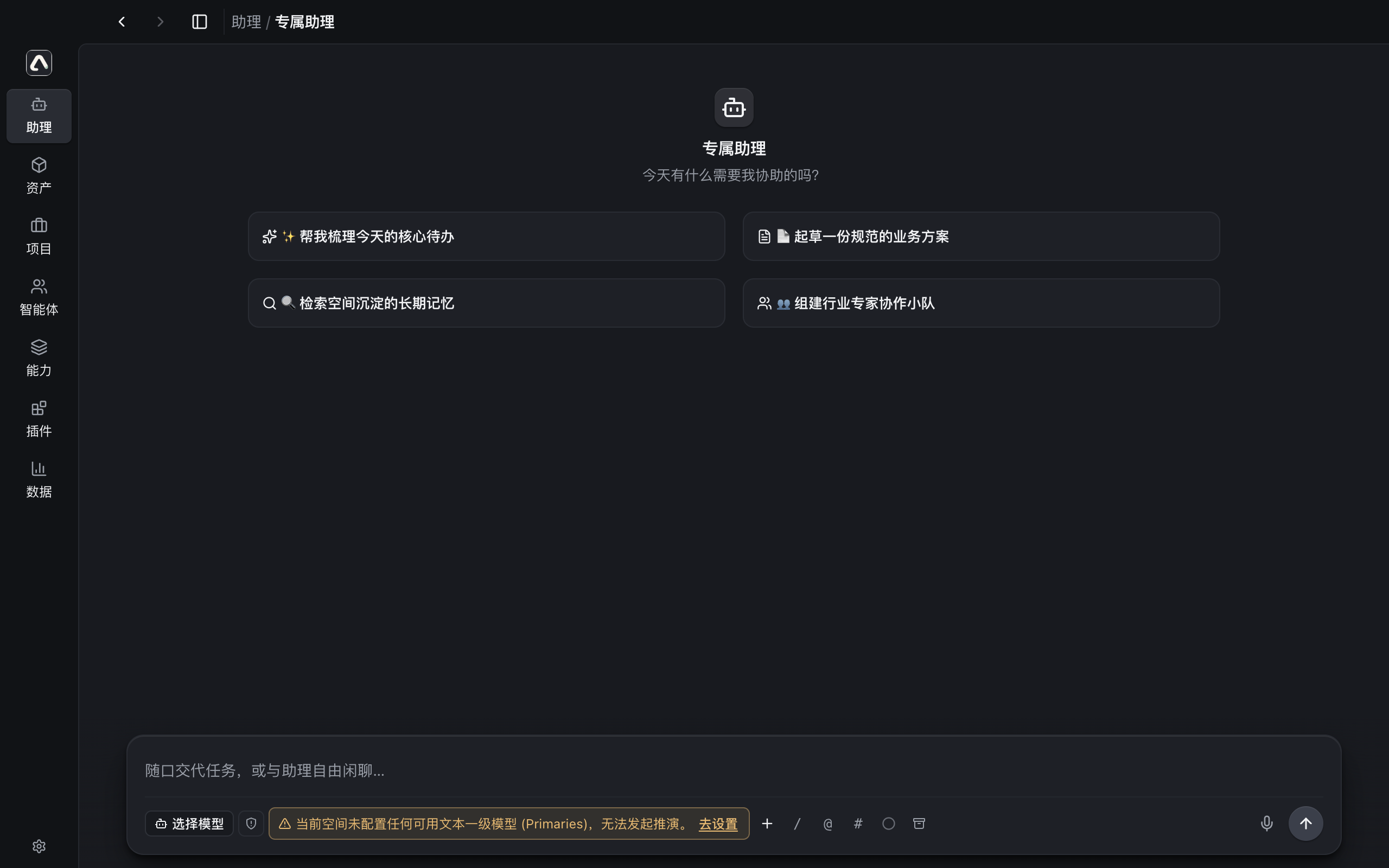
Workspace architecture
A space for each project team
Create a space for each project to keep conversations, files, and deliverables together. Assign roles to agents on a team and let them work on tasks together. Project memory is available when you return.
- Local data directory
~/.openaiko/- SQLite and local files hold project memory, conversations, and application data.
Tools and renderers in WASM P3
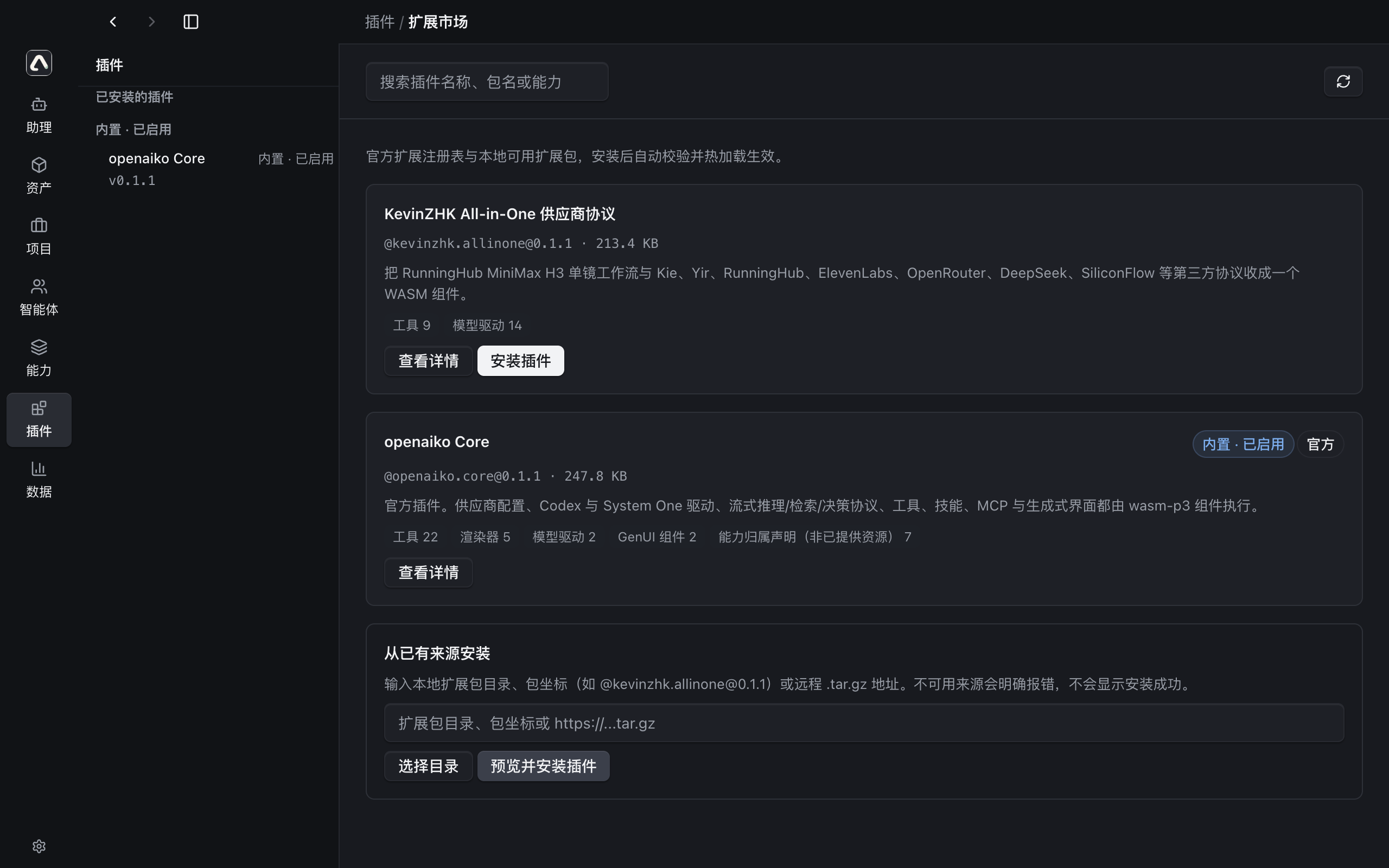
A plugin can supply both a tool that performs an action and a renderer that presents its result. Plugins can also provide model drivers, skills, and GenUI components.
capability = tool + renderer
The app seeds @[email protected] on startup. Install @[email protected] in Plugin Center to load it immediately.
A Rust microkernel with three update layers
When the Electron base and main-process hash match, L3 reloads the renderer without restarting the app. The daemon component is anchored to the app version. Changes to the Electron base or main process use an L2 Blockmap differential update and restart. L1 provides the full installer.
- Native Rust daemon
openaikod - 15.38 MB
- L3 renderer update bundle
renderer.tar.gz - 5.40 MB
Plugins for the desktop workspace
Browse the plugin ecosystem-
@[email protected]Official and bundled- Tools
- 22
- Renderers
- 5
- Provider drivers
- 2
- Skills
- 2
- GenUI components
- 2
-
@[email protected]Community plugin- Tools
- 9
- Renderers
- 0
- Provider drivers
- 14
- Skills
- 0
- GenUI components
- 0
Platform support
| Platform | Release status |
|---|---|
| macOS (Apple Silicon) | 0.1.1 available |
| macOS (Intel) | Planned |
| Windows | Planned |
| Linux | Planned |
Frequently asked questions
Where does openaiko store project data?
openaiko stores conversations, project memory, and application data in SQLite and local files under ~/.openaiko/.
How do I connect my own models?
Bring your own key (BYOK) by adding your provider endpoint and credentials. The app sends model requests and the required context directly to that endpoint.
How do I install plugins?
Open Plugin Center in the desktop app and choose Install. The app verifies the archive’s SHA-256, then loads the WASM P3 plugin into the running app.
Do updates require a restart?
L3 can update the renderer without a restart when the Electron base and main-process hash match. Changes to the base or main process use an L2 Blockmap differential update and restart. L1 supplies the full installer.